New: Freight Margin Calculator — Free Tool for Logistics Teams
Calculate freight margins, identify break-even points, and model pricing scenarios — no login required.
The Problem With a Single Average Margin
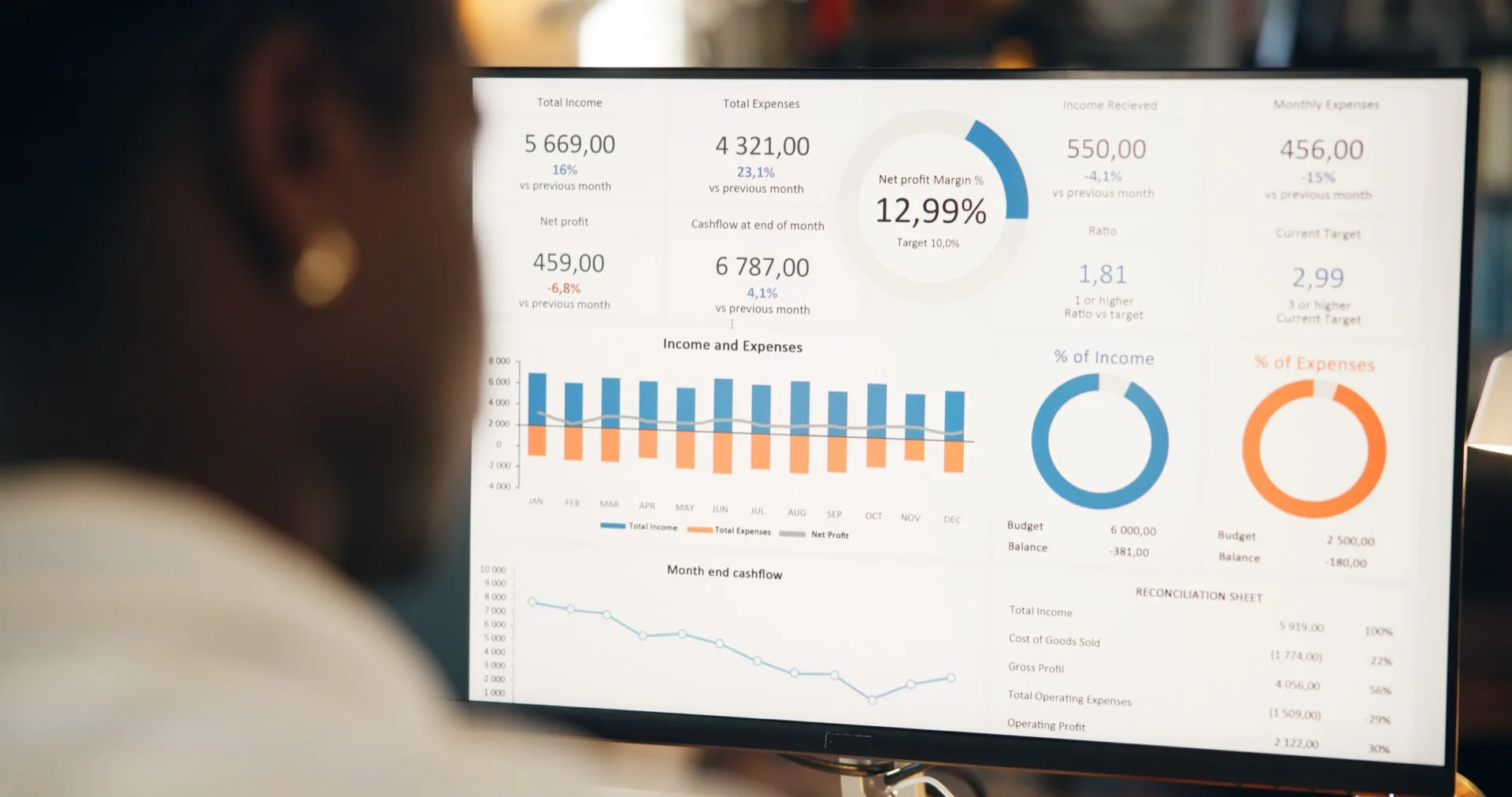
Margin calculation in freight forwarding sounds simple — revenue minus cost, divided by revenue. In practice, it is anything but. Margins vary by shipment type, by carrier, by route, by season, and by customer. A freight forwarder managing thousands of shipments needs to understand not just the average margin but the distribution: how many shipments are above 15%, how many are between 5-15%, how many are below 5%, and how many are actually negative.
We built the Freight Margin Calculator as a free, no-login tool that gives logistics teams instant margin visibility. Upload a CSV with revenue and cost columns, and get a complete margin analysis in seconds.
What It Calculates
The Freight Margin Calculator provides four types of analysis from your uploaded data:
- Overall margin summary: Total revenue, total cost, gross profit, and overall margin percentage — the baseline numbers every logistics manager needs.
- Margin distribution by band: A histogram showing what percentage of shipments fall into each margin band: negative, 0-5%, 5-10%, 10-15%, 15-20%, 20%+. A single average hides this shape; the distribution exposes it.
- Break-even analysis: Identifies the exact number and percentage of shipments operating at or below break-even (0% margin). These are the shipments that are costing you money to handle.
- Lane-level margins: If your data includes route information, the calculator breaks down margins by lane, highlighting the most and least profitable routes in your network.
Proof, not a pilot
Put this to work on your own operational data.
No integration project. No black box.
Start a 90-Day Proof of ValueHow to Use It
The tool works in three steps:
- Upload your data: Drag and drop a CSV or Excel file containing at minimum a revenue column and a cost column. The tool auto-detects common column names (ShipperRevenue, Revenue, Carrier_Cost, Cost, etc.).
- Review the mapping: Confirm that the tool correctly identified your revenue and cost columns. If your file includes carrier names or route information, map those columns for segmented analysis.
- Get your results: Instantly see your margin summary, distribution chart, break-even count, and lane-level breakdown. Download the results as a PDF or share them with colleagues via a unique link.
Who Gets Value From It
The Freight Margin Calculator is designed for logistics professionals who need quick margin visibility without committing to a full BI platform. Operations managers preparing for quarterly reviews, finance teams auditing profitability, and sales teams pricing new lanes can all benefit from instant margin analysis.
It is also a useful first step for companies evaluating Syntask. Use the free tool to understand your margin distribution, and then explore how Syntask's full platform can provide ongoing monitoring, predictive analysis, and executive reporting on top of the same data.
Try It Now
The Freight Margin Calculator is available on our tools page — no account or login required. Upload your data and get results in under 30 seconds. Your data is processed in-browser and never stored on our servers.
Put this to work on your own operational data.
Start with one lane, one workflow, one decision. Measure impact. Expand when value is proven.
No integration project. No black box.
Written by
Berna Bulgurcu
Co-founder & CEO, Syntask
The Syntask team writes about operational decision intelligence for logistics — turning the data teams already have into prioritized, evidence-backed decisions.
Topics
- Freight Forwarding
- Cost Reduction